
AyahNest Desktop Classroom & Student Portal
Experience effortless 1-click live Quran classes with zero external meeting links. Download the native Windows desktop platform engineered exclusively for AyahNest students, parents, and faculty.
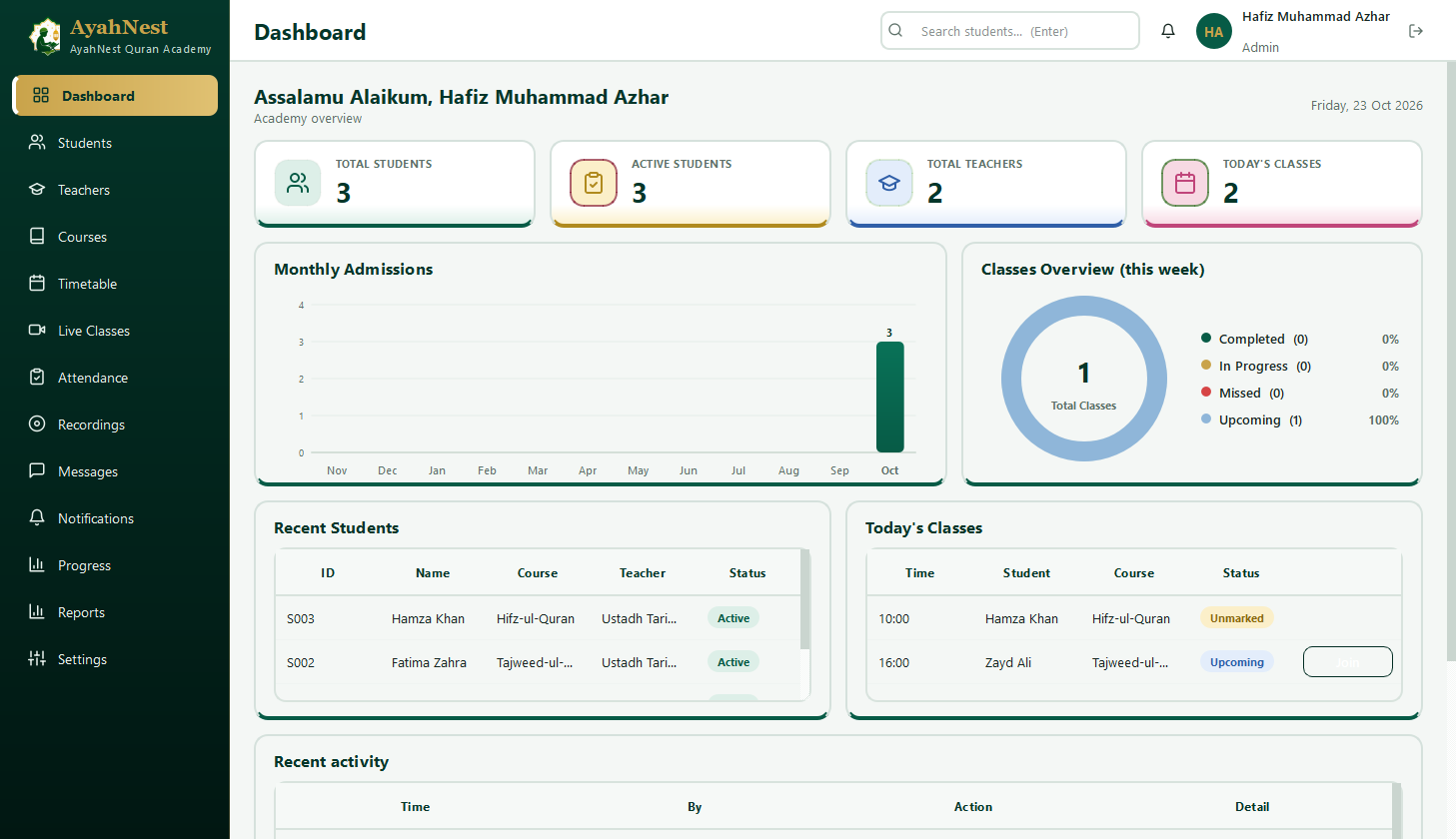
How to Install & Use AyahNest
Setting up AyahNest takes less than two minutes. Follow these simple steps to join your live classroom:
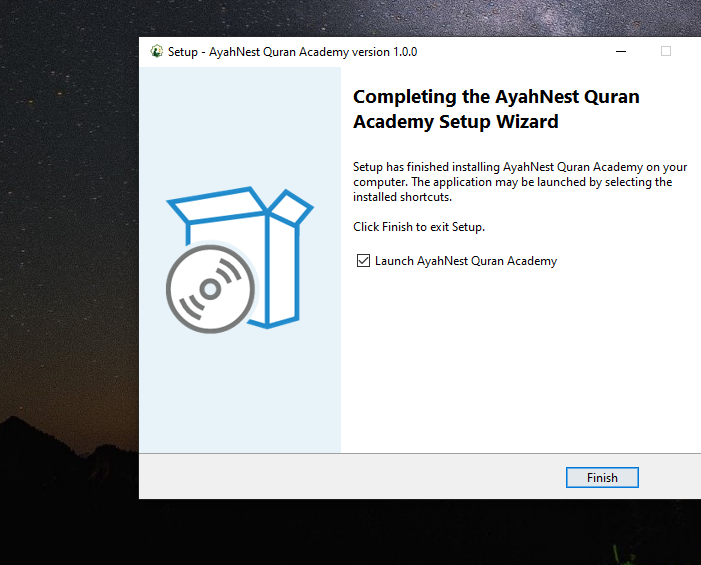
Run Setup Wizard
Download AyahNest_Setup_v1.0.exe and launch the installer. Click Next to finish. A desktop shortcut is created automatically.
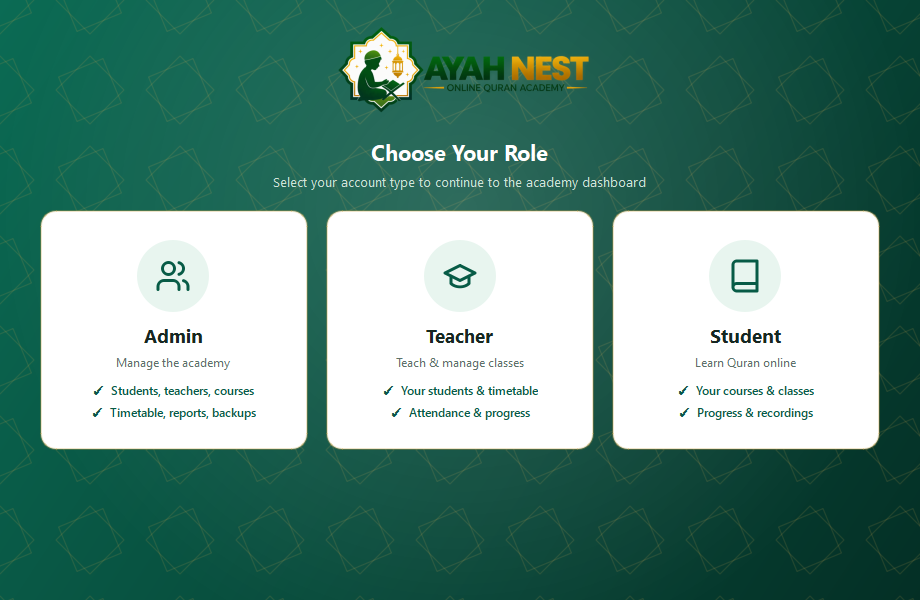
Select Your Role
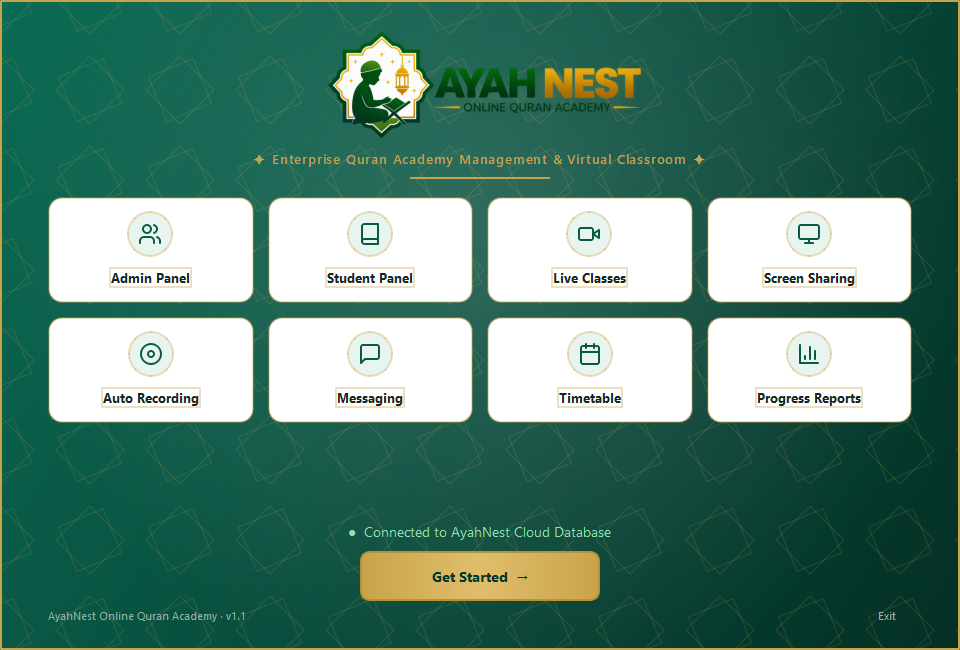
Launch AyahNest from your desktop. Click the Student card for learners or Teacher for faculty members.
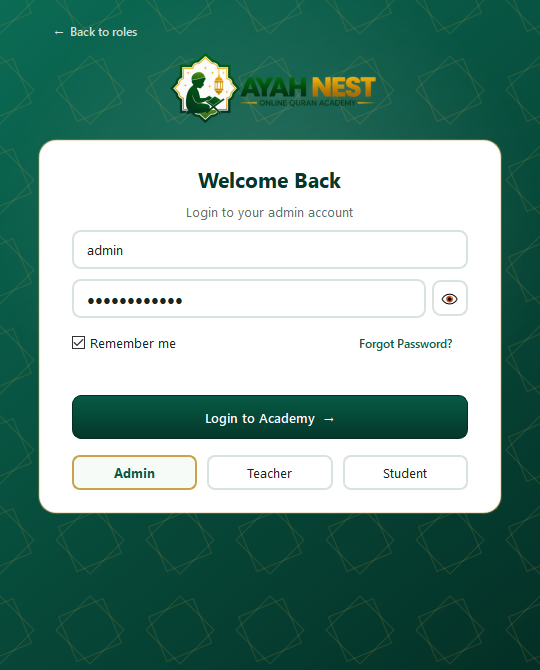
Login with Auto-Save
Enter your assigned academy username and password. Check 'Remember me' so you never have to retype credentials.
1-Click Live Class
When class time arrives, a green banner appears: [LIVE CLASS IN PROGRESS]. Click to join immediately with zero wait rooms!
System Requirements & Compatibility
AyahNest is optimized for high performance even on entry-level computers.
| Component | Minimum Requirement | Recommended Specification |
|---|---|---|
| Operating System | Windows 10 (64-bit Edition) | Windows 10 / Windows 11 (Latest 64-bit Update) |
| Processor (CPU) | Dual-Core 1.6 GHz Intel / AMD | Intel Core i3 / AMD Ryzen 3 or higher |
| System Memory (RAM) | 2 GB RAM | 4 GB RAM or more |
| Free Disk Space | 400 MB for installation | 1 GB free space (for caching recordings) |
| Audio & Video | Built-in microphone & speakers | Dedicated USB headset with noise-canceling mic |
| Internet Connection | 1.5 Mbps broadband connection | 5 Mbps stable broadband or Wi-Fi connection |
Frequently Asked Questions
Everything you need to know about the AyahNest Desktop Classroom platform, student portal, and live learning system.
No! AyahNest features an integrated, high-definition WebRTC video and audio engine. You never have to copy Zoom links, enter passcodes, or open external browsers. Everything happens securely inside the native AyahNest desktop app.
Yes, 100%. AyahNest is completely private and closed-circuit. Students can only communicate with their assigned verified teacher. There is zero advertising, no public chat rooms, and no strangers can ever join or contact your child.
AyahNest utilizes zero-moderator-lock architecture. If your Wi-Fi disconnects, simply click the [Join Live Class Now] button again to re-enter the classroom in two seconds without waiting for host admission.
The application runs smoothly on Windows 10 and Windows 11 (64-bit), with minimum 4GB RAM (8GB recommended), dual-core 2.0GHz processor, webcam and microphone, and an active broadband internet connection.
Yes! You can download the setup executable on your desktop, laptop, or sibling's PC. Since all student progress and schedules are synchronized securely on our high-speed encrypted cloud, signing in on any computer loads your classes immediately.
Yes! The AyahNest Desktop Classroom software is 100% free to download for all registered students, teachers, and trial participants on Windows 10 and Windows 11.
After installing the application, log in with the account credentials provided by your academic advisor. When your scheduled class time arrives, click the green "Join Live Class" button on your dashboard to instantly launch your 1-on-1 session.
Lesson recordings and attendance records are automatically encrypted and synchronized with our secure cloud servers. Parents can review past recitations and teacher notes directly from the student dashboard.